


Bookings
How to create an open booking
Create and Share an Open Match
1. Prerequisite: Your Profile
First of all, go to your Profile and make sure you have selected your Level. Without this, you will not be able to create an open match.
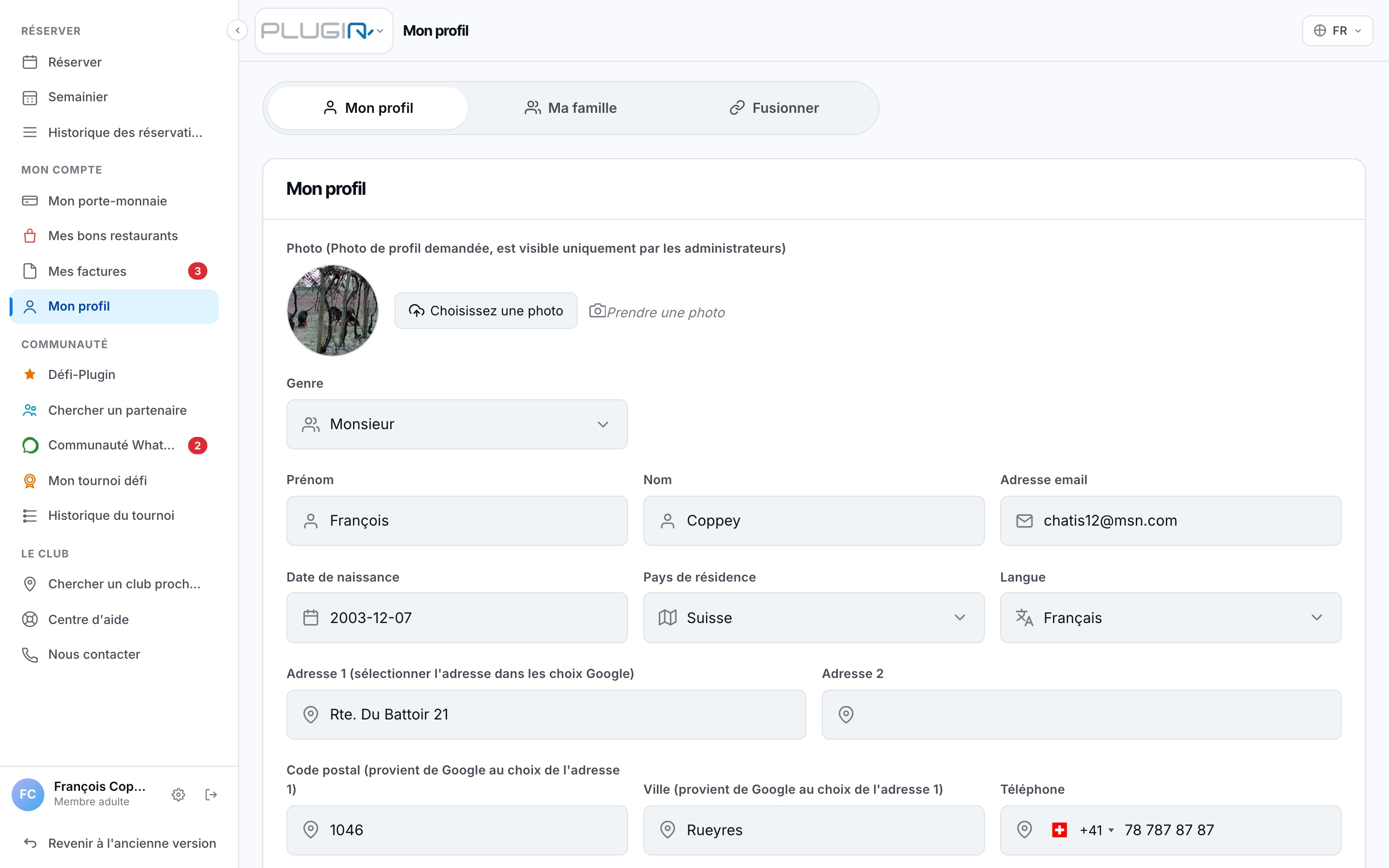
2. Set up the match
Click a free slot. Choose the total number of people. For the available spots, leave the rows on 'Person'.
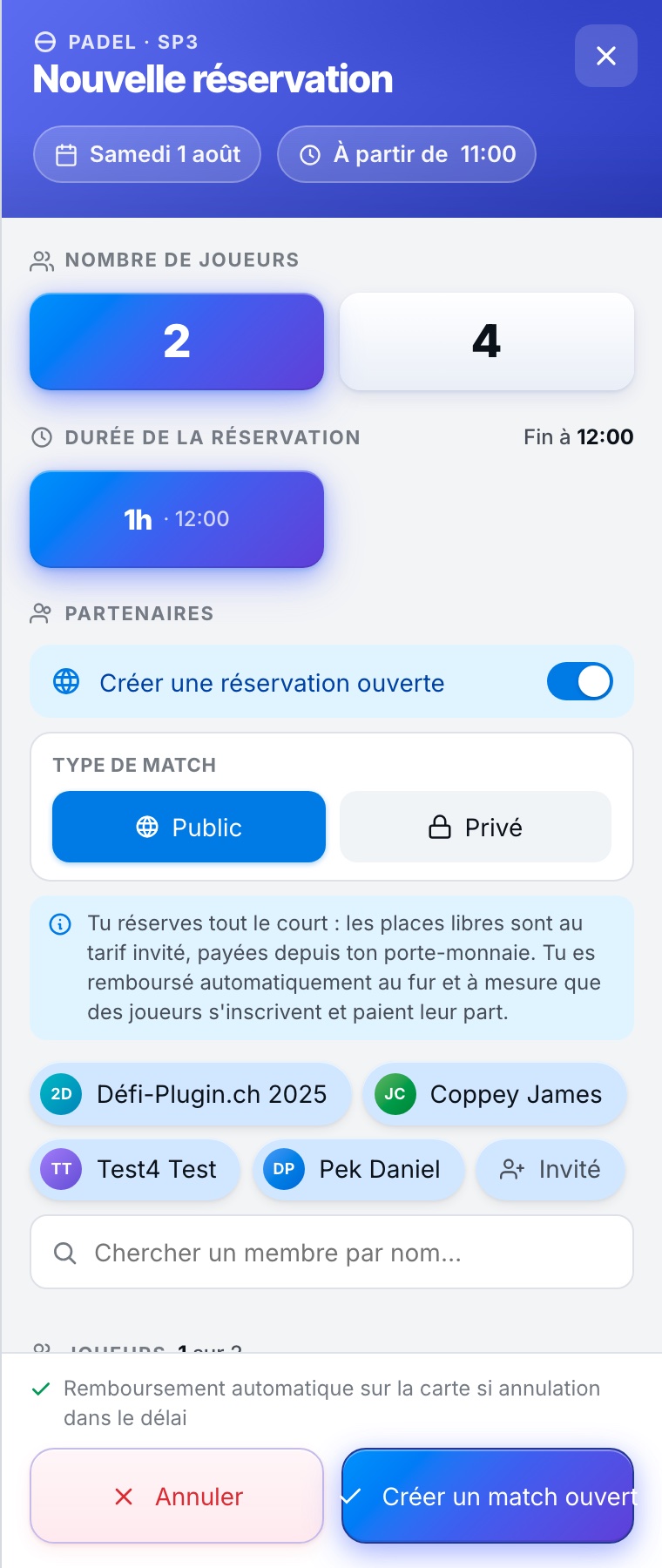
3. Confirm and Pay
Select your payment method (you only pay your share) and click the green button CREATE AN OPEN BOOKING.
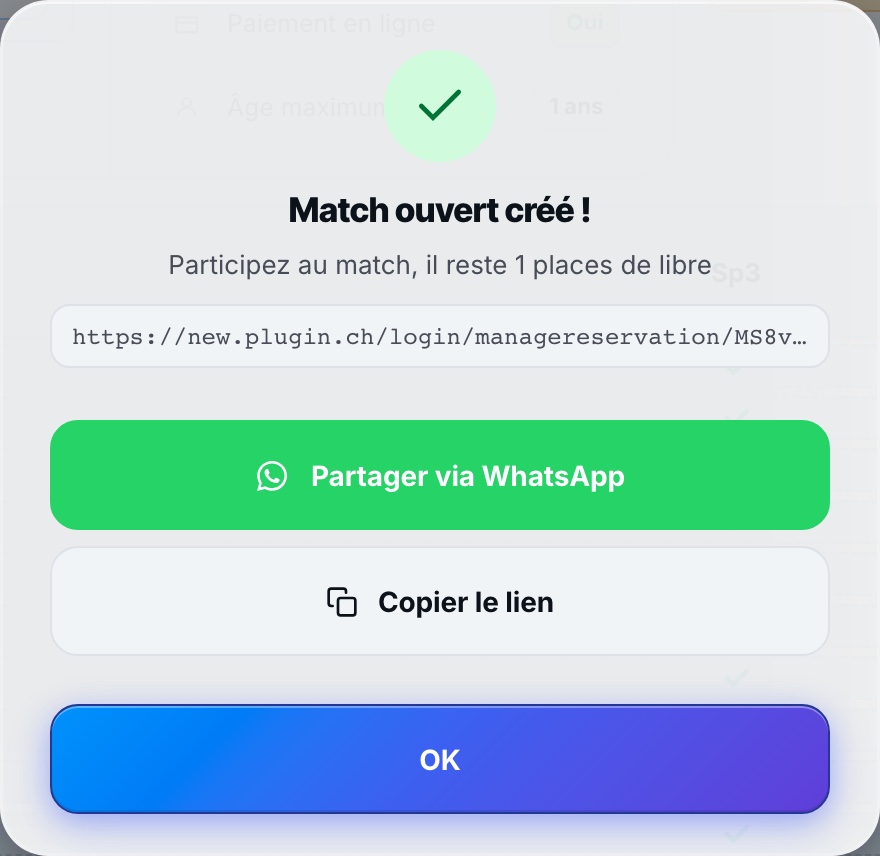
4. Share on WhatsApp
Once created, click your booking. Use the WhatsApp button to send the link to your group. Your friends can click to join directly.
Plugin.ch Tutorial — Bookings