


Community and Défi-Plugin
How do I take part in the Défi-Plugin (challenge tournament)?
The Défi-Plugin is the club's ongoing challenge tournament: you challenge other members, record your scores, and climb the leaderboard.
1. Check the leaderboard
Left menu → Community → Défi-Plugin.
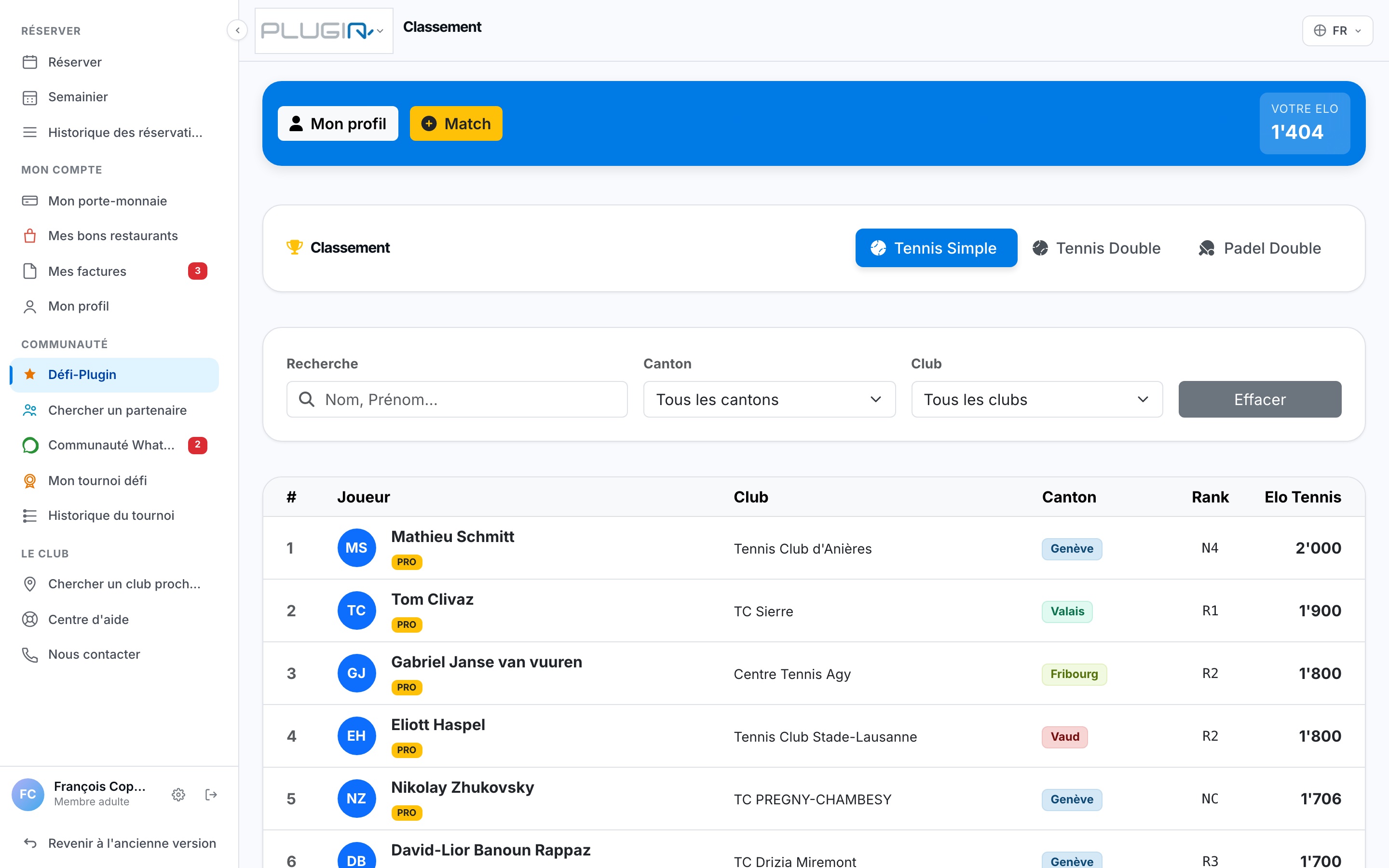
The Défi-Plugin leaderboard
2. Create a match
Challenge a player by creating a match: choose the opponent, the date, and the location. You can also check "Défi-Plugin Match" directly when booking.
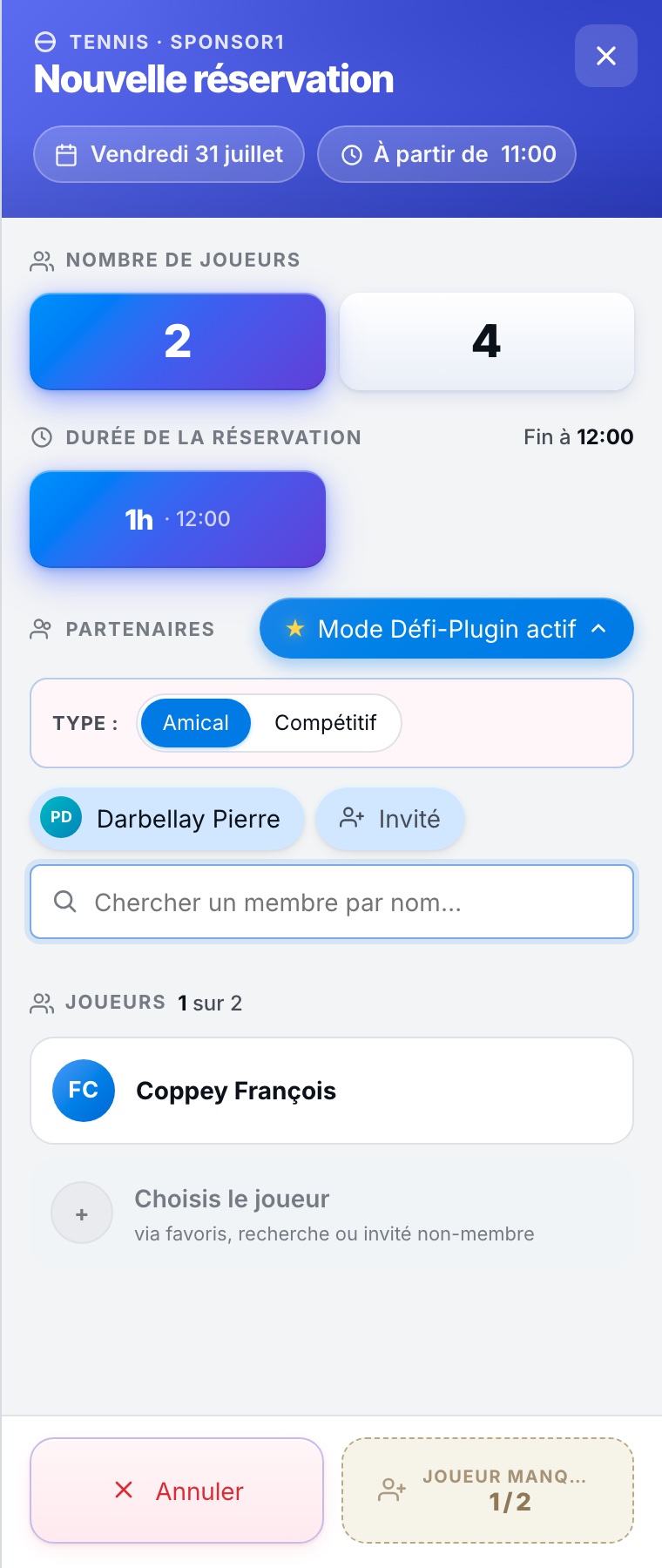
3. Record the score
After the match, enter the score. The opponent has 7 days to confirm or dispute it; after that time, it is validated automatically and the leaderboard is updated.
A disputed score can be reported to support via the Help center.
Plugin.ch Tutorial — Community and Défi-Plugin